
To see all the incidents that the user has submitted and to keep track of them, go to My Incidents on dashboard.
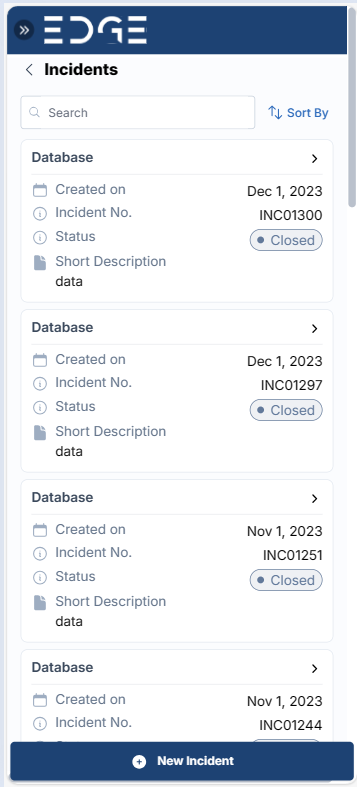
Click on the Incident number to track the Incident.
To keep track of an incident, click on its ID number.
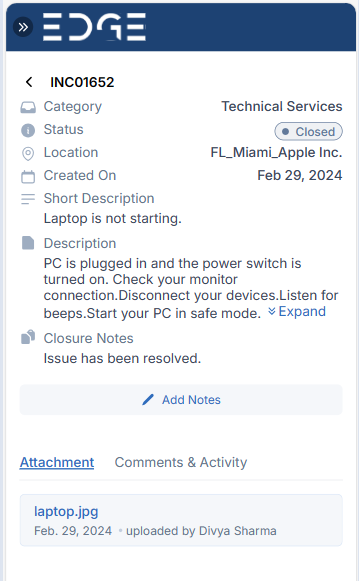
The Add Notes portion of this screen allows users to add any further information or communication with the fulfillers.
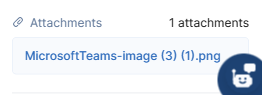
There will be a list of Attachments in the Attachments area, with the name and date of creation of each one.
Was this page helpful?
Human Resource Service Delivery (HRSD)
FIELD SERVICE MANAGEMENT (FSM)
Customer Service Management (CSM)
Powered By
