
In the context of test management, a "test" refers to a specific activity or set of activities designed to assess the quality, functionality, or performance of a software application or system. Test management involves planning, organizing, and controlling these activities throughout the software development or maintenance process.
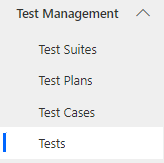
Navigate to Test Management > Tests in the left navigator.
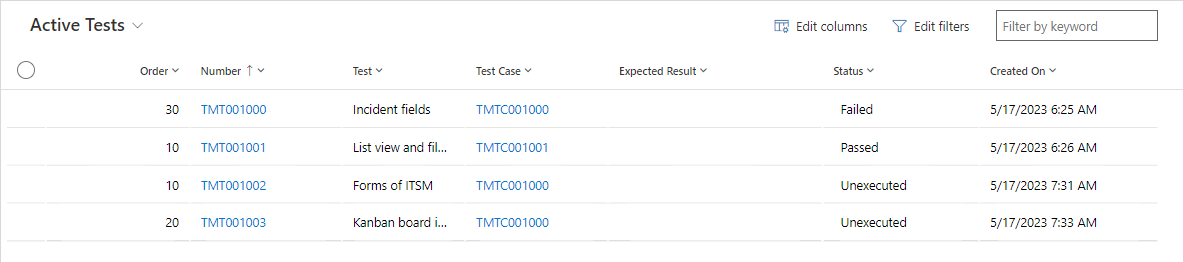
The Test View provides a comprehensive overview of all the created tests. By accessing this view, you can conveniently review and manage your tests.
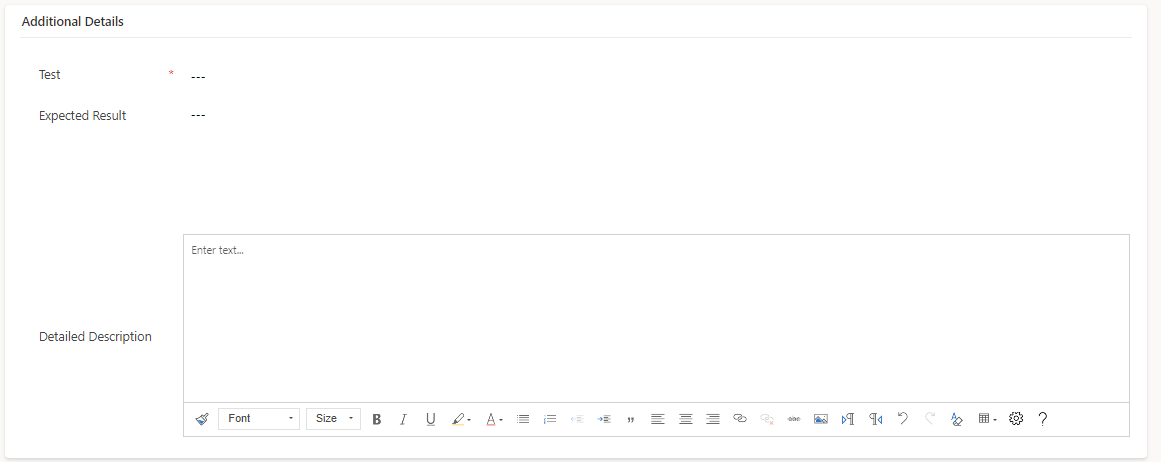
To create a new 'Test' click on the button on the top ribbon of the view. A form will now appear, fill in the required details and save the form.

Test Process
The tests are executed sequentially in the order they are specified.
If a test fails, the subsequent test will not be executed.
Auto Re-order
In the testing process, it is indeed possible to insert a new test in between existing tests that have already been created. When this occurs, the remaining tests associated with the same test case will be automatically re-ordered or shifted to the next position. This ensures that the test case maintains a logical and sequential flow. Here's how the auto re-ordering process works:
Inserting a New Test: When you add a new test in between existing tests within a test case, the platform will detect the insertion and adjust the order accordingly.
Re-ordering the Tests: After inserting the new test, the platform will automatically re-order the remaining tests associated with the same test case. It will shift them to the next position, maintaining a consistent sequence.
Logical Flow: The auto re-ordering process ensures that the tests within the test case continue to follow a logical flow. The newly inserted test will fit seamlessly within the sequence, allowing for proper continuity.
By using the auto re-ordering, the platform simplifies the management and organization of tests within a test case. It helps maintain the integrity of the test case structure, even when new tests are added or inserted.
Field | Description |
|---|---|
Number | Auto generated Unique number |
Status | Specify the status of Test |
Order | Specify the order of execution the Test |
Test Case | Specify the Test Case |
Test | Specify the Test description |
Expected Result | Specify the executed result |
Detailed Description | Specify the detailed description |
