
Create templates for the knowledge article by navigating to Knowledge Management -> Article Templates.
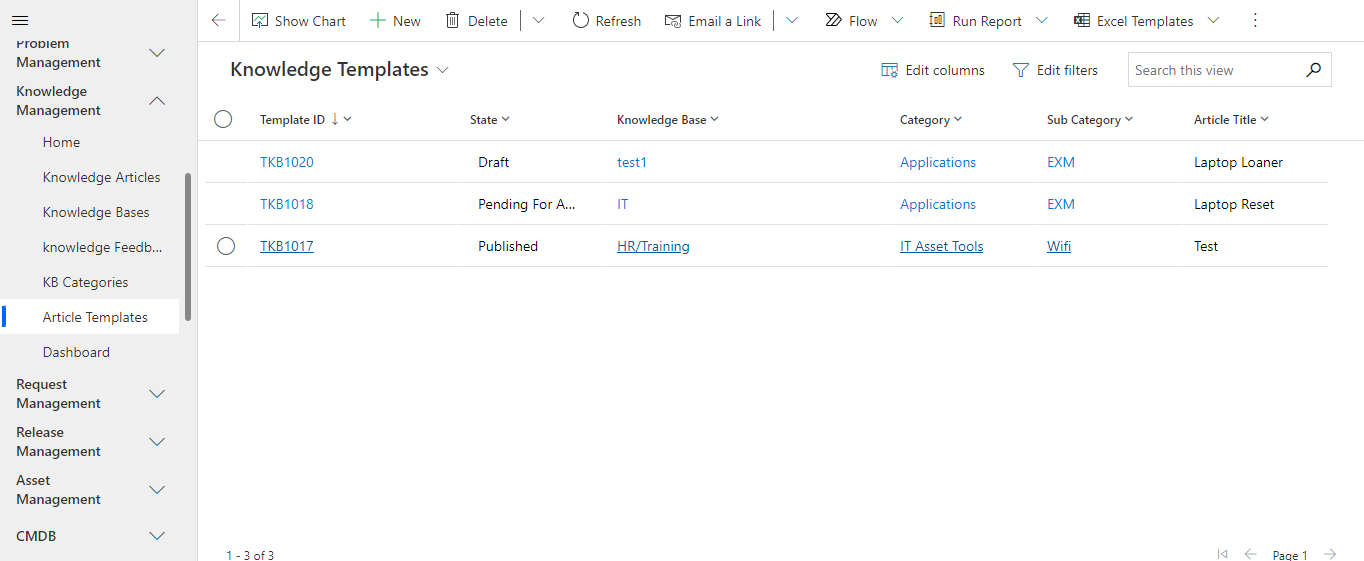
Create a template by clicking on  button.
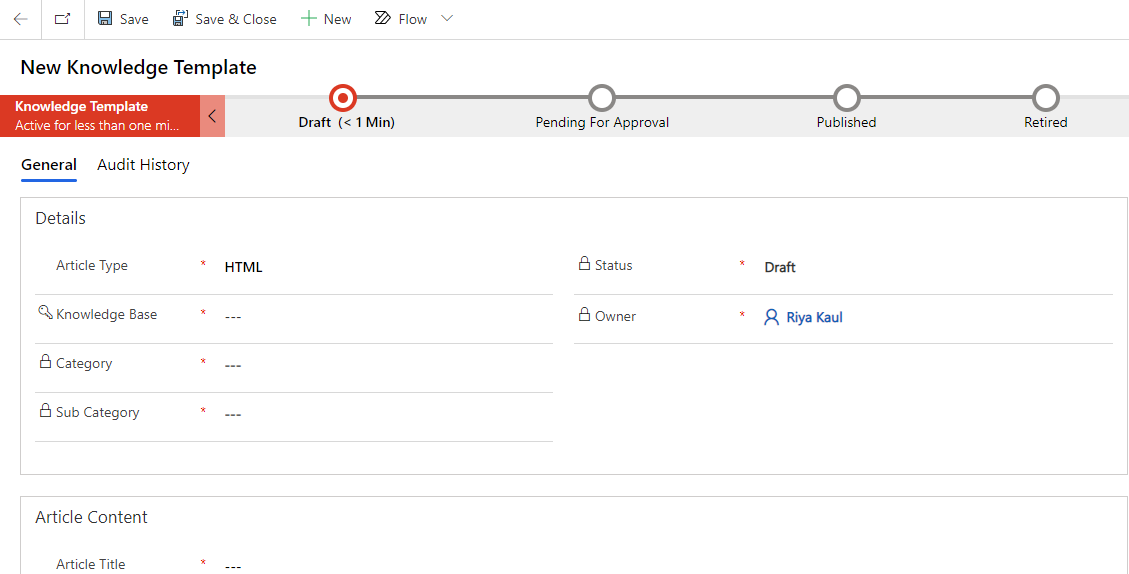
Workflow of Knowledge Article Template
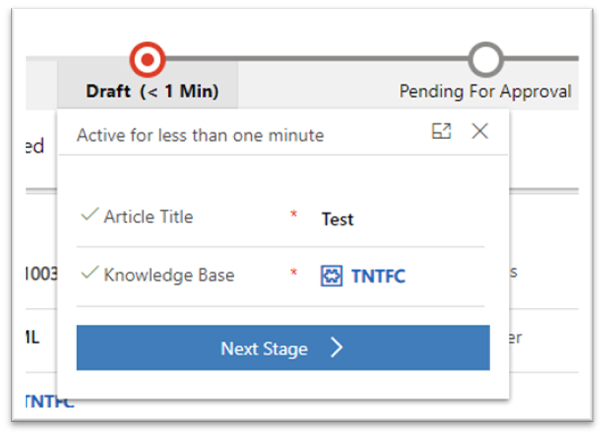
Fill in the required fields. On click ‘Next Stage’ button, the template moves to ‘Pending For Approval’ Stage.
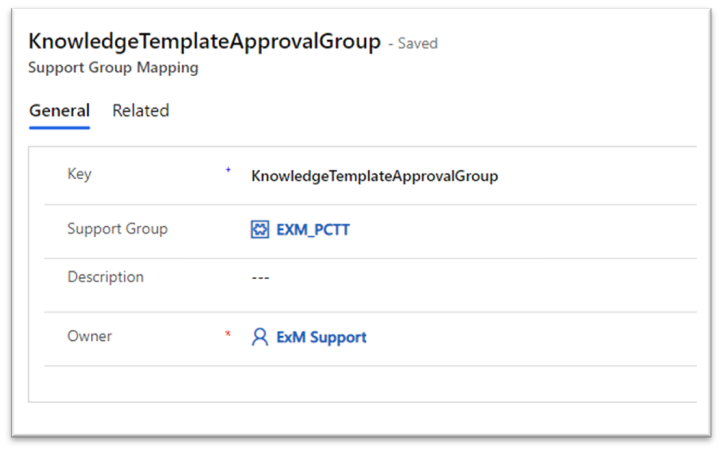
Approval Group is specified under the ‘Foundation Data’ -> ‘Group Mappings’ section in the left navigator. Admin can open the record with the Key: KnowledgeTemplateApprovalGroup and select the Support Group to which the approval will be sent for the template.
If any one of the approvers approves the template request, the template moves to Published state and is available for the users to create articles from it. On rejection, it moves back to the Draft stage.
Was this page helpful?
