
Team chat refers to a collaborative conversation among selected users regarding a specific incident. By clicking a button, users can initiate this chat within Teams. The currently logged-in user is automatically included in the chat, and other users can be selected from a drop-down menu to join the conversation. This feature facilitates real-time communication and collaboration among team members to address and resolve the incident effectively.
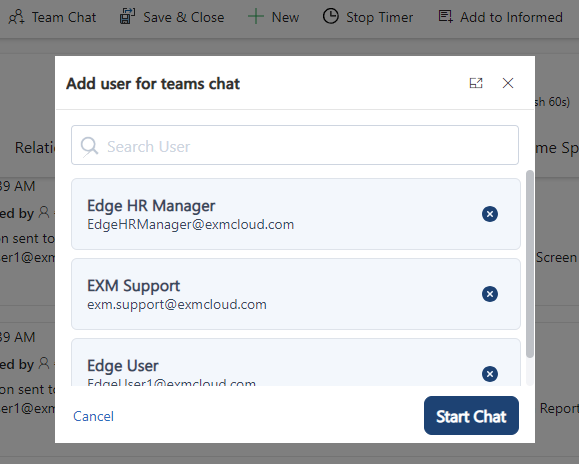
Click Start Chat to open Microsoft Teams and initiate the creation of a Team Chat.
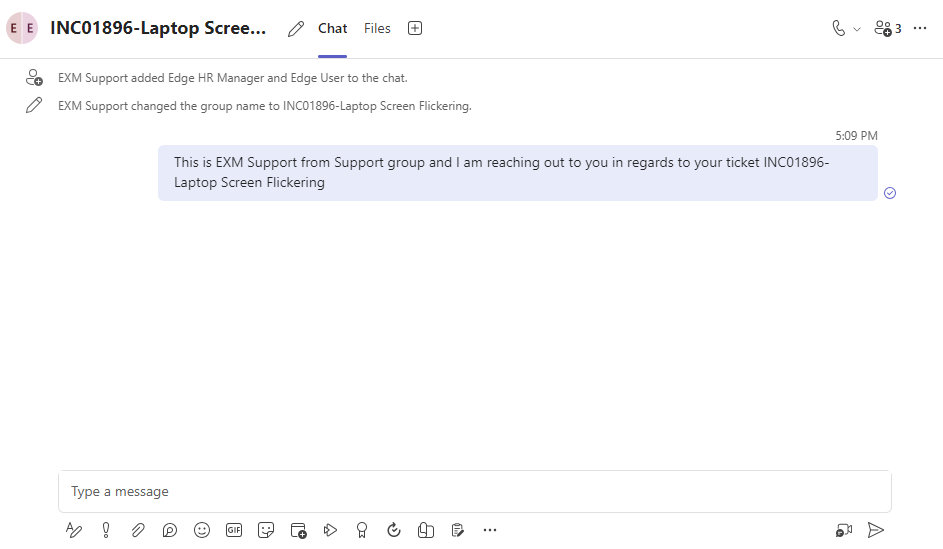
The same information will also be recorded in the Timeline section of the Incident form, along with a link to the chat for easy reference.

Was this page helpful?
Human Resource Service Delivery (HRSD)
FIELD SERVICE MANAGEMENT (FSM)
Customer Service Management (CSM)
Powered by