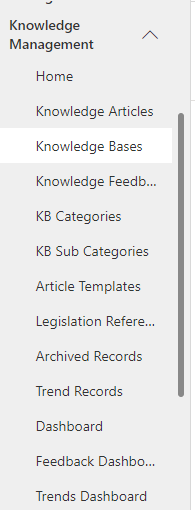
Create a knowledge base to provide a platform for users to store and manage content. Navigate to Knowledge Management -> Knowledge Bases from the left navigation.
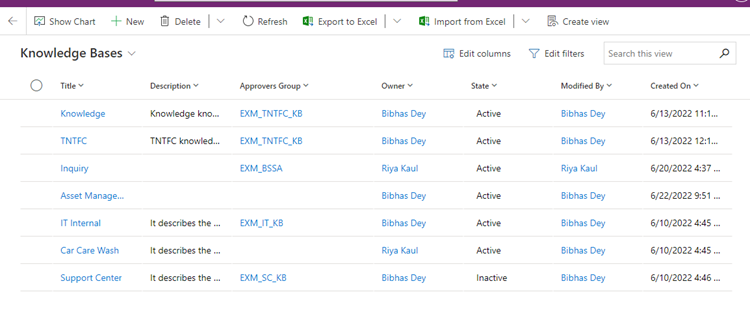
The grid view will open with all the knowledge bases present in the system.
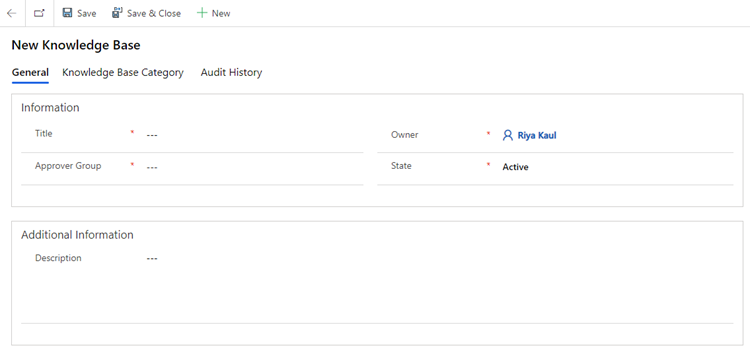
Create the  button at the top to create a knowledge base. A form will be opened. Fill in the required field and click on Save.
General
Title, Approver Group, State
Information
Fields | Description |
|---|---|
Title | Unique title of the Knowledge Base |
Approver Group | The group to which the approvals for knowledge article will be sent based on the knowledge base. |
Status | Indicates whether the knowledge base will be available on the Home Page or not. |
Additional Information
Fields | Description |
|---|---|
Description | Specifies the description of knowledge base |
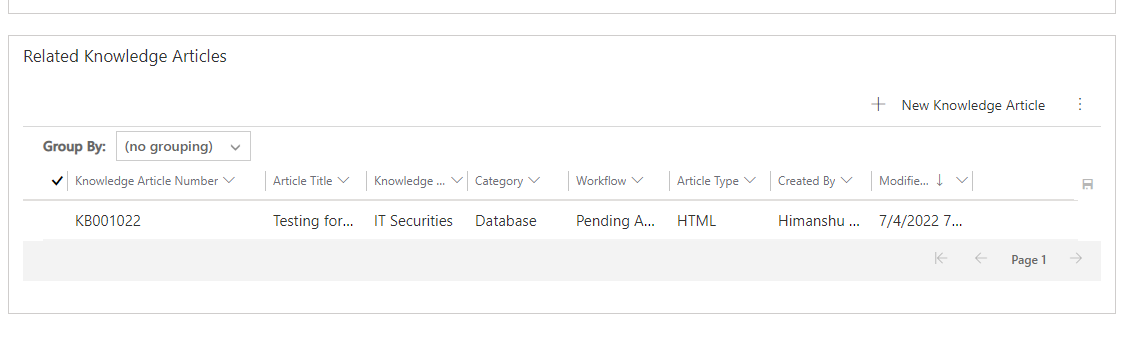
Related Knowledge Articles
View the knowledge articles related to the base.
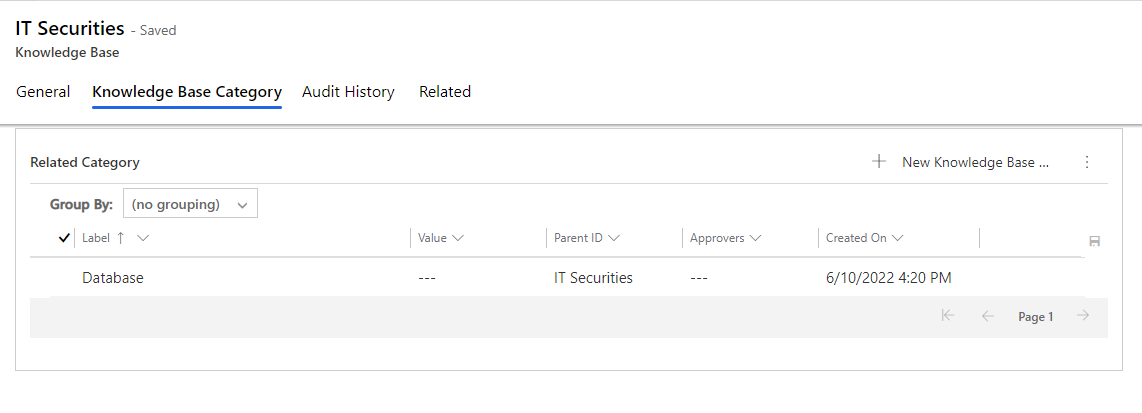
Knowledge Base Category
View the related KB Categories.
Audit History
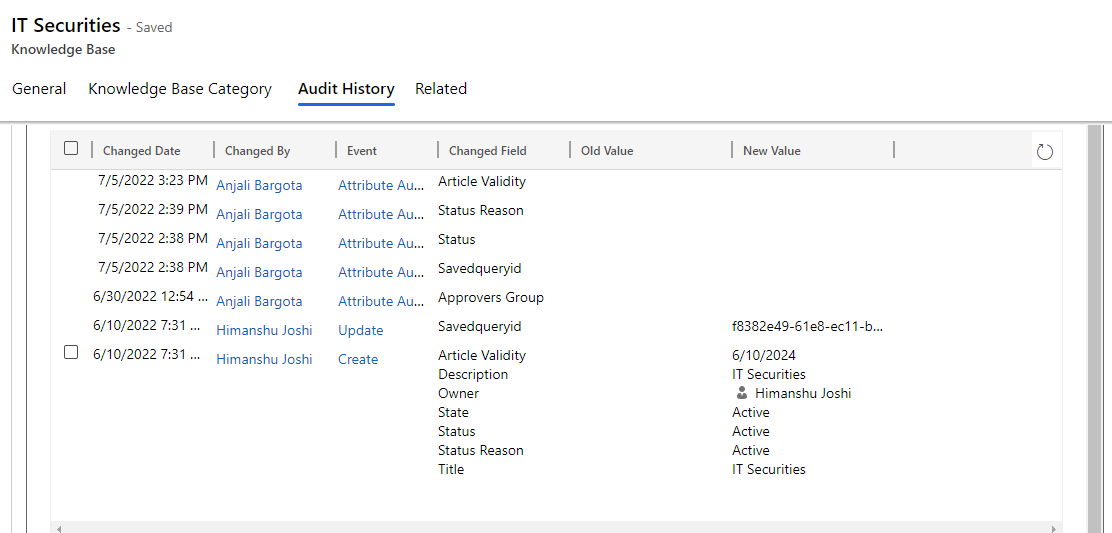
All the changes/updates made to the article are captured in the Audit History tab.