
This section defines the categories for performance appraisal goals. Manager can use these categories when assigning tasks to employees for their performance appraisal.
Navigate to Appraisal > Goals in the left navigator.
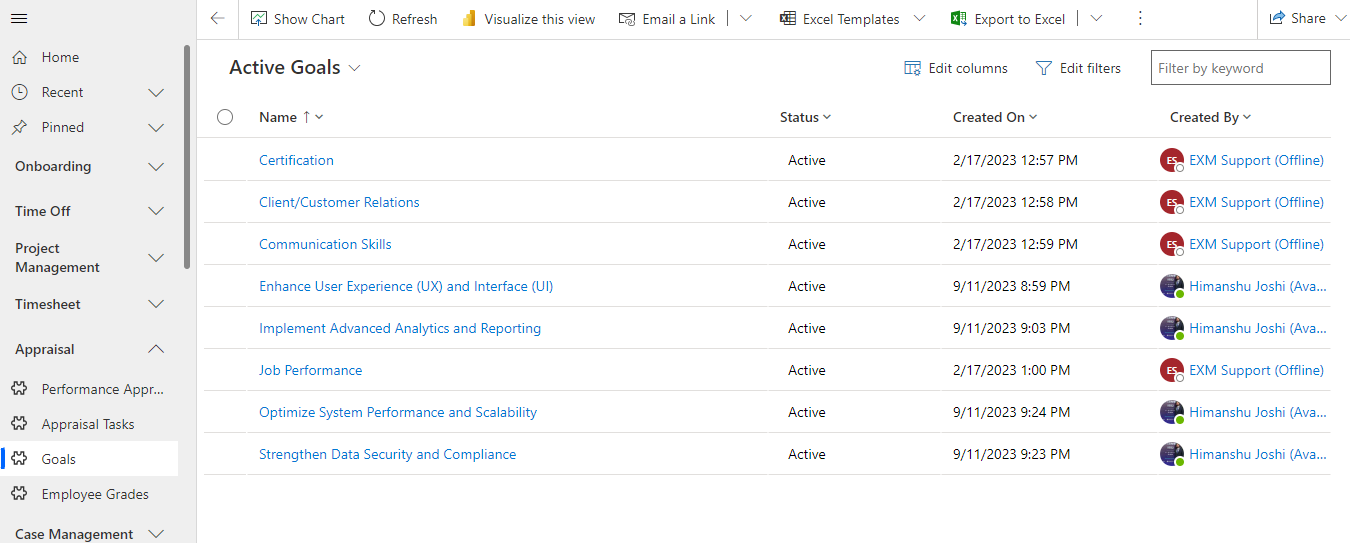
Click on the  button on the top ribbon of the view to enter a goal. A form will appear.
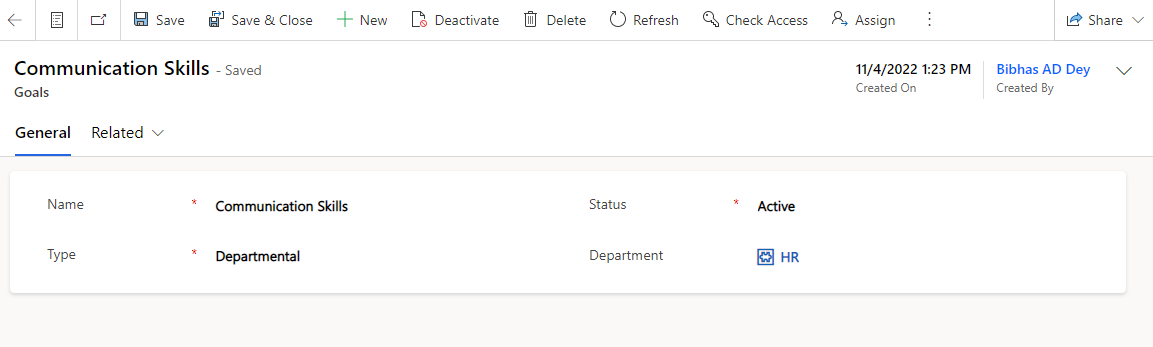
Fields | Description |
|---|---|
Name | The name of the goal category. |
Status | Status of the goal (Active/Inactive). |
Type | Indicates the level of goal whether departmental, enterprise or corporate. |
Department | Indicates the department to which the goal will be applicable if the goal type is departmental. |
Was this page helpful?
IT Service Management (ITSM)
FIELD SERVICE MANAGEMENT (FSM)
Customer Service Management (CSM)
Powered By
