
Organizations have the flexibility to specify the types of leave they offer to their employees. For example, they can choose to provide Sick Leave, Earned Leave, Compensatory Off Leave, Casual Leave, and so on, based on their policies and employee needs.
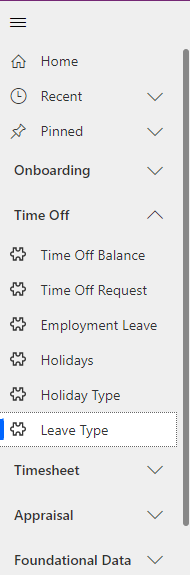
Navigate to Time Off > Leave Type in the left navigator.
Click on the  button on the top ribbon of the view. A form will appear.
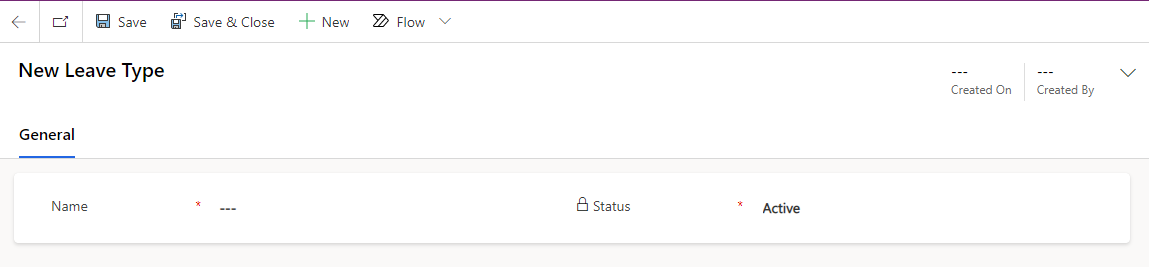
Fields | Description |
|---|---|
Name | Name of the leave type. (e.g. Casual Leave, Sick Leave, etc.) |
Status | Status of the leave type (Active/Inactive). |
Was this page helpful?
IT Service Management (ITSM)
FIELD SERVICE MANAGEMENT (FSM)
Customer Service Management (CSM)
Powered By
