
location typically refers to the physical or geographical locations of IT assets and resources. This information is crucial for asset management and incident management.
For example, knowing the exact location of a malfunctioning server is vital for dispatching IT support to resolve the issue. Location information is also essential for tracking IT assets in a configuration management database (CMDB).
Add a Location
Navigate to Foundation Data > Locations.
Select New.
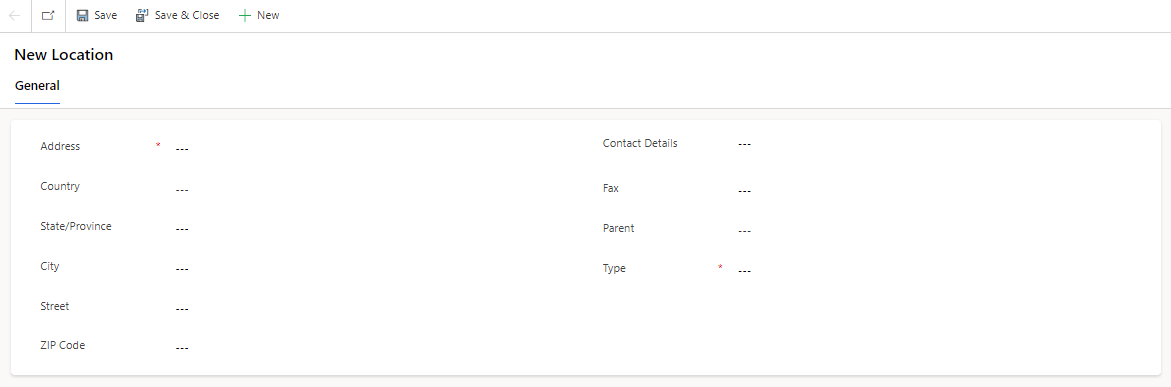
On the form, fill in the fields.
Field | Description |
|---|---|
Address | An exact description of the location of a place. |
City | The city in which the location is situated. |
Contact Details | The contact details of the location. |
Country | The country in which the location is situated. |
Fax | The fax detail of the location. |
Parent | Parent location of this location. |
State/Province | The administrative division or region to which the location belongs. |
Street | The street in which the location is situated. |
Type | The type of location a Office b Stockroom c Warehouse |
ZIP Code | The ZIP code associated with the location. |
