
The onboarding process begins when the candidate's details are entered into the system. This marks the first step in welcoming a new employee to the organization.
Candidate Form
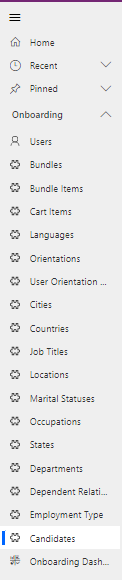
Navigate to Onboarding > Candidates in the left navigator.
General Tab
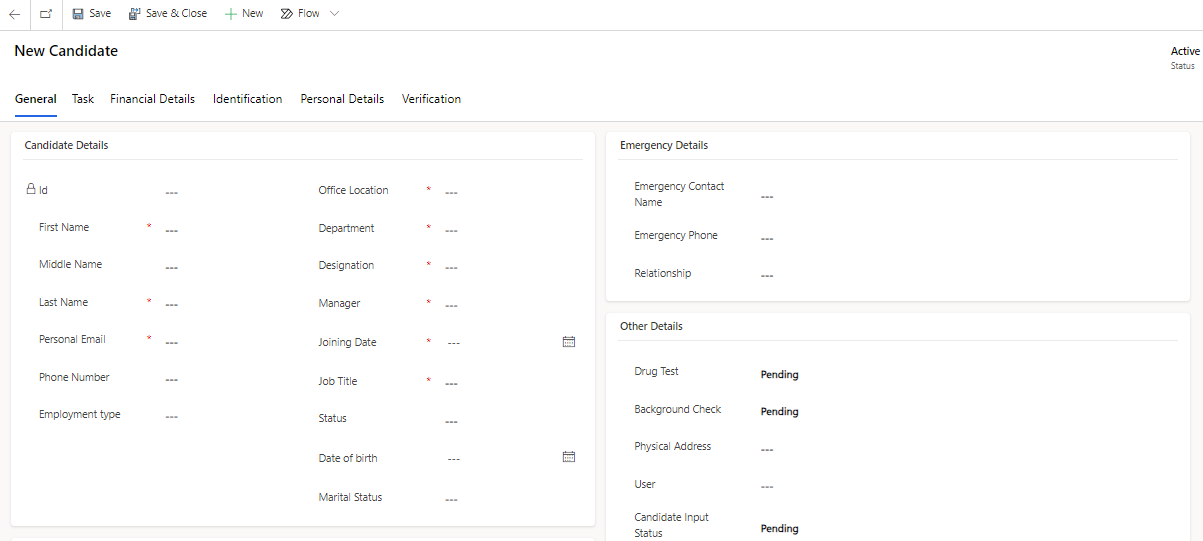
All the information related to the Onboarding will be present in this tab.
Header
Fields | Description |
|---|---|
Created On | Indicates the date and time when the time off record was created. |
Created By | The user who created the record. It is a pre-filled, non-editable field. |
Candidate Details
Fields | Description |
|---|---|
Id | Unique Identifier for the record. |
First Name | Candidate First Name. |
Middle Name | Candidate Middle Name. |
Last Name | Candidate Last Name. |
Department | Department for which the Candidate is on boarded. |
Job Title | Job Title of the Candidate. |
Manager | Manager of the Candidate. |
Office Location | Office Location of the Candidate. |
Personal Email | Personal Email of the Candidate. |
Emergency Name | Name of the Emergency person. |
Emergency Phone No | Contact details of Emergency Phone Number. |
Reason For Leave | Reason for the Requested Leave. |
Status | Status of the Candidate. a. Joined b. Not Joined |
Drug Test | Status of the Drug Test. a. Pending b. Qualified c. Disqualified |
Background Test | Status for the Background Test. a. Pending b. Qualified c. Disqualified |
Task Tab
Onboarding tasks include document submission, training, technology setup, team introductions, and outlining performance expectations for new hires.

Financial Details
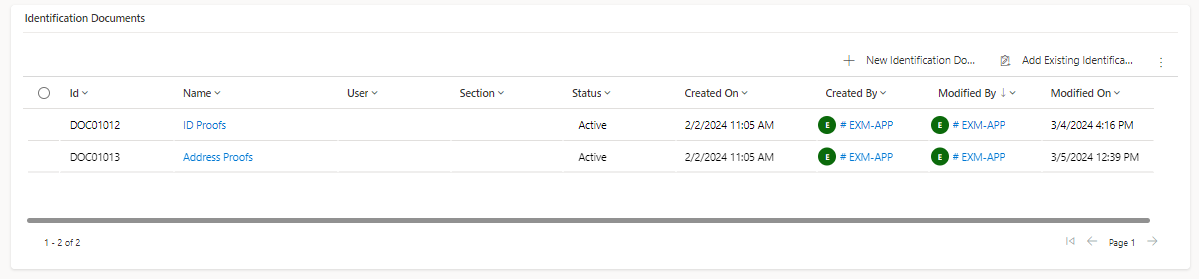
Identification
Identification in onboarding involves collecting and verifying personal information and documents to confirm the identity of new employees. This process ensures compliance with legal requirements, establishes access levels, and enhances overall security.
Personal Details Tab
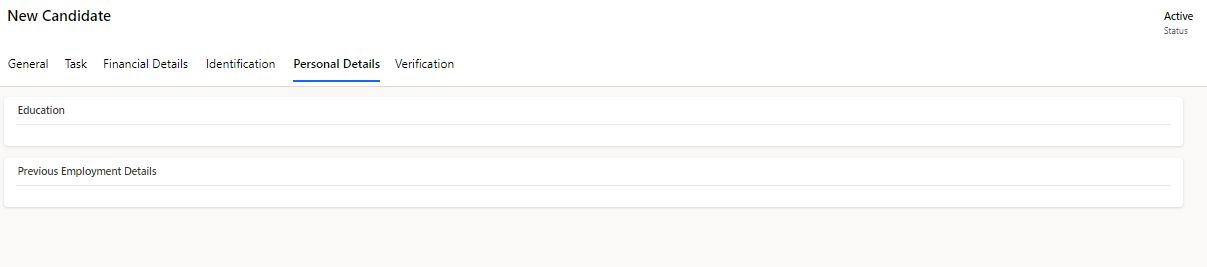
The Personal Details tab includes information about the candidate's education, health, previous employment, and other factors.
Education
It keeps track of a candidate's higher education and the certifications.
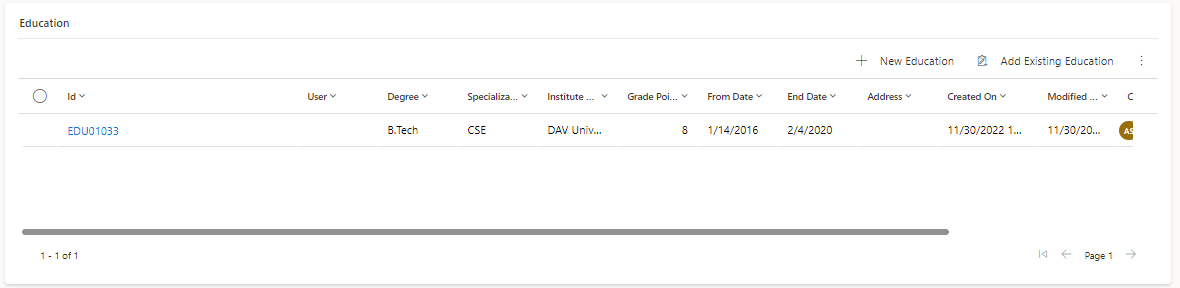
Fields | Description |
|---|---|
Id | Unique Identifier for the record. |
Institute Name | Institute of the Candidate. |
Specialization | Specialization of the Candidate. |
Degree | Degree of the Candidate. |
Grade Point | Grade Point of the Candidate. |
Address | The Institute's address. |
From Date | Degree Start Date. |
End Date | Degree End Date. |
Attachment | Attachment of the Candidate. |
Previous Employment History
Previous Employment history refers to information about applicant's past employers and companies he/she worked for, job titles and positions held, salary, the dates of employment and attended duties.
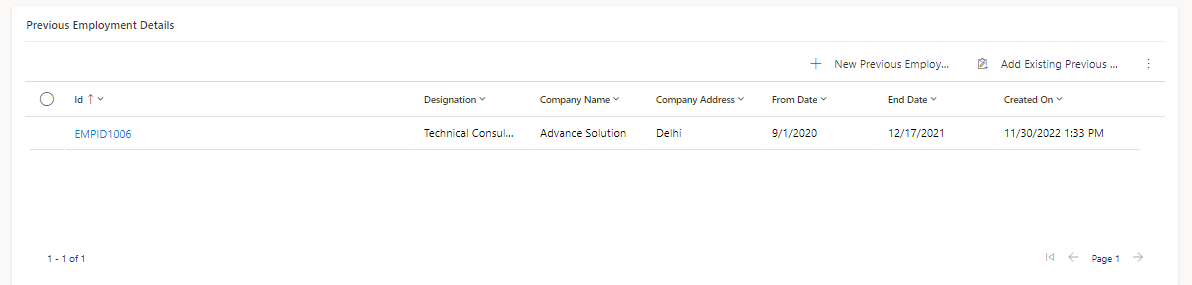
Fields | Description |
|---|---|
Id | Unique Identifier for the record. |
Company Name | Name of the Company. |
Company Address | Address of the Company. |
Manager Email | Previous Company Manger Email. |
Manager Contact | Previous Company Manger Contact. |
HR Contact | Previous Company HR Contact. |
HR Email | Previous Company HR Email. |
Designation | Designation in Previous Company. |
From Date | Start Date at Previous Company |
End Date | End Date at Previous Company |
Medical Details
Medical details during onboarding are the records and data a newly hired employee gives their company on their health, medical history, and any necessary immunisations or medical exams. Usually gathered during the onboarding process, this information is meant to let the employer know about any health conditions that can interfere with the employee's job or necessitate modifications.
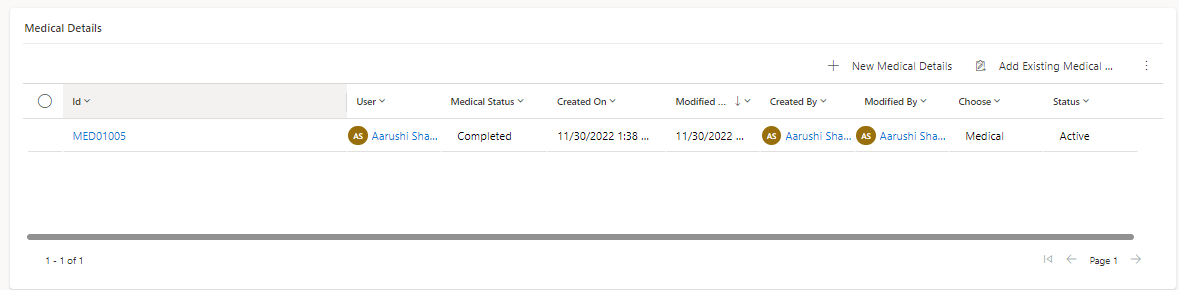
Fields | Description |
|---|---|
Id | Unique Identifier for the record. |
Type | a. Medical b. Dental |
Medical Status | a. Completed b. Pending |
Attachment | Candidate's medical report is attached. |
Dependent Information
When an employee is onboarding, dependent information details are information and records about their dependents—spouses, kids, or other family members—that are gathered at the time of the employee's first orientation and admission into the company. This data is necessary for a number of employment-related benefits, such as health insurance, taxation, and emergency contact details.
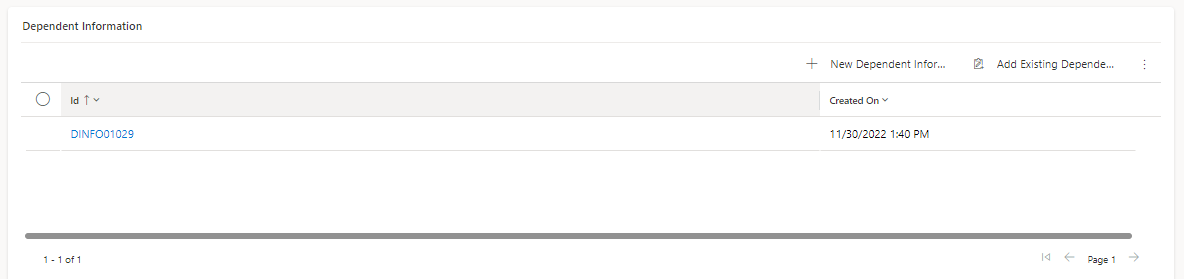
Fields | Description |
|---|---|
Id | Unique Identifier for the record. |
Name | Name of the Dependent person. |
Occupation | Occupation of the dependent person. |
Date of Birth | Date of Birth of the Dependent Person. |
Relation | Relationship with the Dependent person. |
User Document
Here, user documents will be kept.
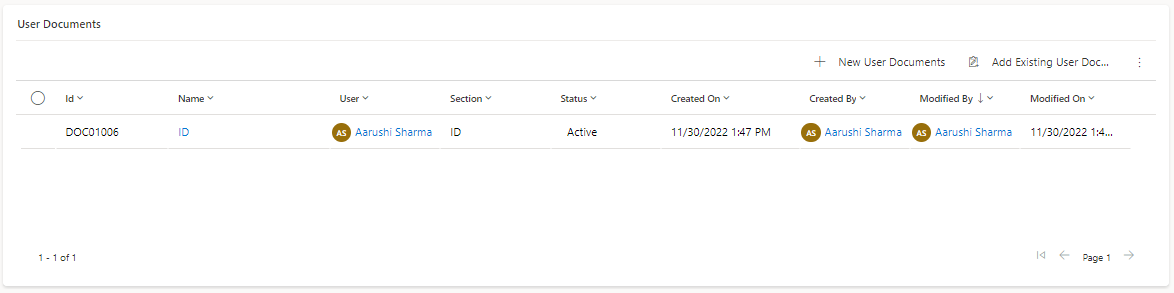
Fields | Description | |
|---|---|---|
Id | Unique Identifier for the record. | |
Name | Name of the submit Document. | |
Attachment | Attachment of the submitted document. |
Verification
Background Checks
The background check is the procedure used to confirm the qualifications, employment history, and any possible criminal or legal history of a new hire. This is done to make whether the person is a reliable and acceptable fit for the job for which they have been hired.
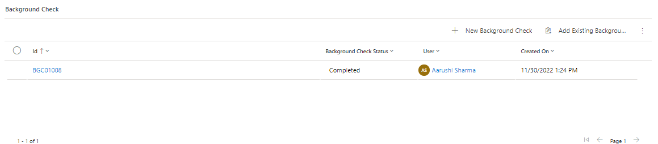
Fields | Description |
|---|---|
Id | Unique Identifier for the record. |
Background Check Status | Status for the Background Test. a. Pending b. Qualified c. Disqualified |
Attachment | Attachment of Background Test Report. |
Drug Test
A drug test in the context of onboarding is a screening process that involves testing a job applicant or new employee for the presence of specific drugs or substances in their system.
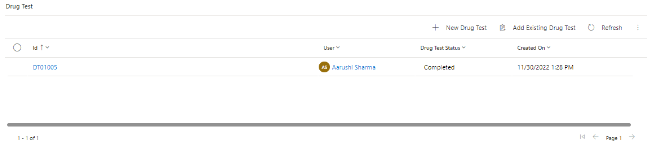
Fields | Description |
|---|---|
Id | Unique Identifier for the record. |
Drug Test Status | Status for the Drug Test. a. Pending b. Qualified c. Disqualified |
Attachment | Attachment of Drug Test Report. |
