The life cycle of an invoice refers to the various stages involved in the creation, delivery, processing, and payment of an invoice.
The following diagram illustrates the different status:
State model for Invoice
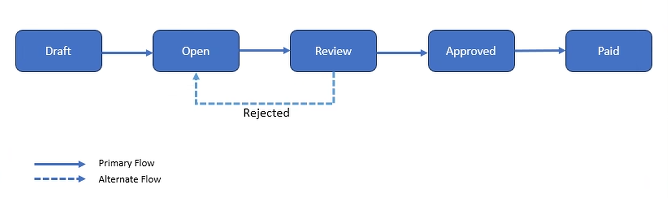
Invoice Status
Status | Description |
|---|---|
Draft | This status is the default setting for new invoice. |
Open | When it has been created and issued but has not yet been paid by the customer or recipient. |
Reviewed | The Finance Manager receives the invoice and verifies its accuracy. |
Approved | The Invoice is approved. |
Paid | The customer pays the invoice within the agreed-upon terms and payment terms. |
Invoice Approval Process
When the Invoice is changed to Open Status, the Finance Manager Group will receive an email/teams message with the Invoice details.
Finance Manager has the ability to modify the record and change its status to Review by clicking on  button.

When the status is set to "Reviewed," the Finance Manager Group receives the Team Approval, which includes a concise summary and a link to the corresponding invoice.
Approvals on Team
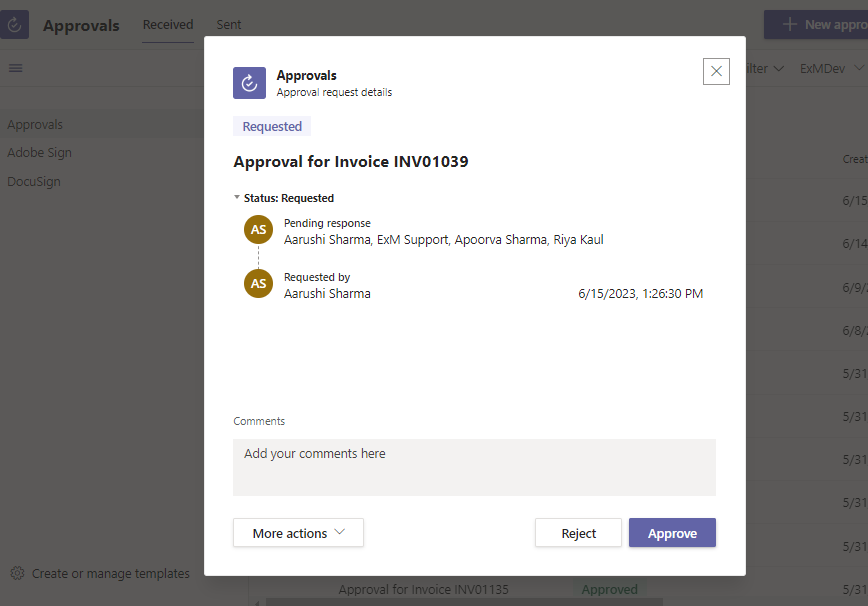
The Finance Manager Group will examine the information and make a decision whether to approve or reject based on their review.
The Status cannot be changed from Review until it has been approved or rejected by a member of the Finance management group. The status will be changed to approved if it is approved. If it is declined, it will be returned to the open status.
Notification to Vendor On Approved/Reject
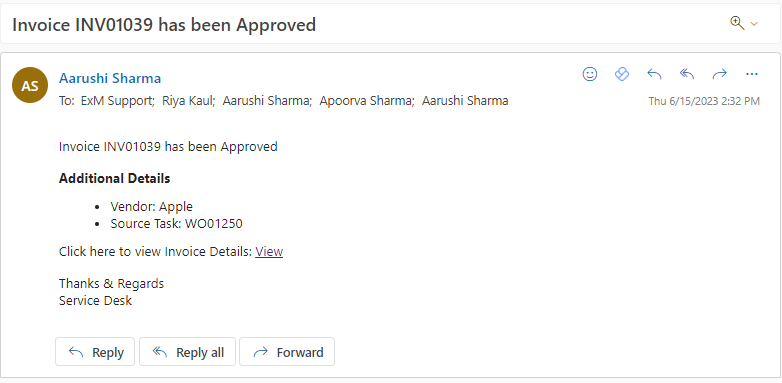
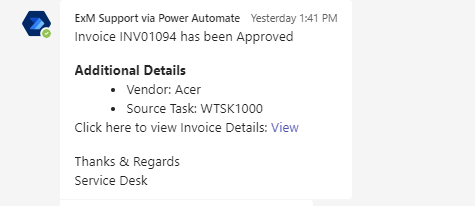
The vendor will be alerted through email/team notification whether the invoice linked with him was accepted or rejected.
Email Notification
Team Notification
Notification to Vendor On Paid
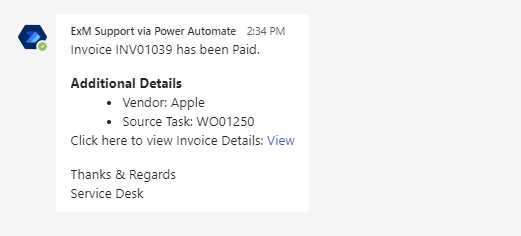
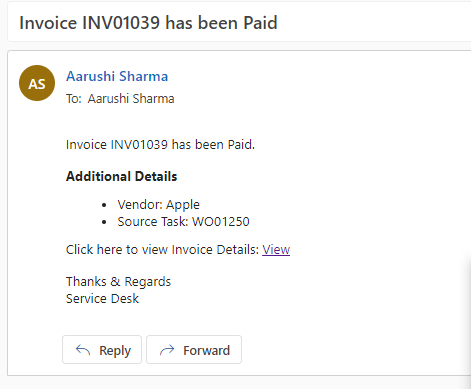
When an invoice is paid, the vendor is alerted by Outlook and team notification.
Email Notification
Team Notification