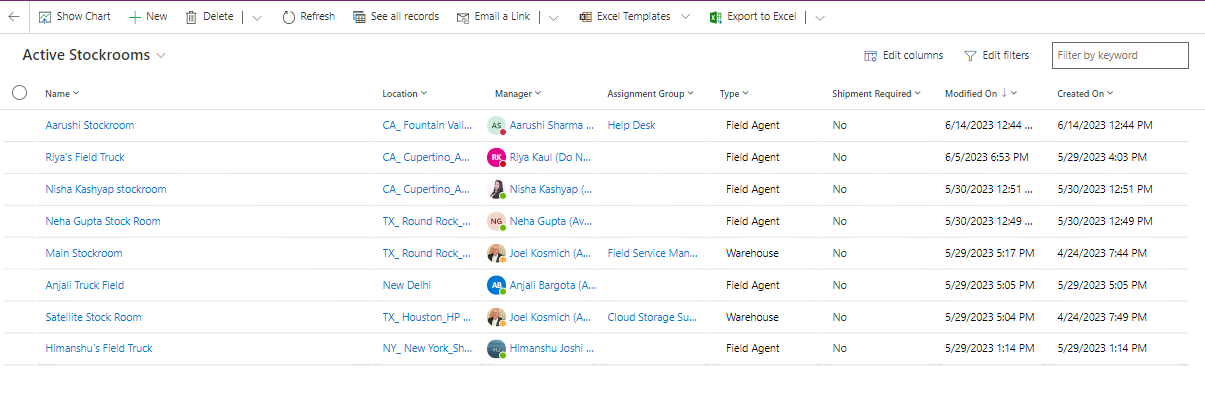
Stockrooms are places to which assets are assigned. Stockrooms are separate, standalone entities in the Asset Management application. Parts/Assets are assigned to stockrooms. In the Field Service Management application, stockrooms are distinct, independent entities.
Use the Active stockrooms view to view and create stockrooms.
To create a new stockroom, click on the button in the top ribbon.
General Tab
All the information related to the stockrooms is present in this tab. An Admin can view/edit the stockroom and add parts to each stockroom.
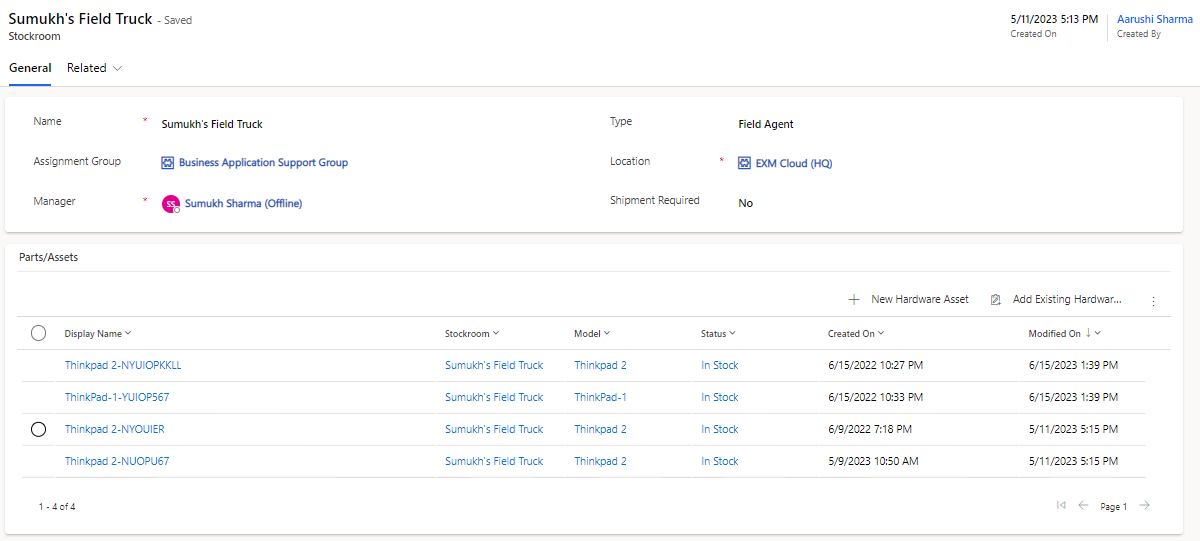
Field | Description |
|---|---|
Assignment Group | Group that is assigned to the stockroom. |
Created By | User who created the stockroom. |
Created On | Captures the date and time of stockroom creation. |
Location | Physical location of the stockroom. |
Manager | Person in charge of the stockroom and primarily uses the stockroom. Note: Manager receives the notifications for the stockroom's stock rules when they are below threshold. |
Name | Display name and of the stockroom. |
Shipment Required | For instance, a part in a personal stockroom doesn't need to be shipped, hence there is no need for a transfer order. |
Type | Type of the stockroom. Out of box choices are:
|
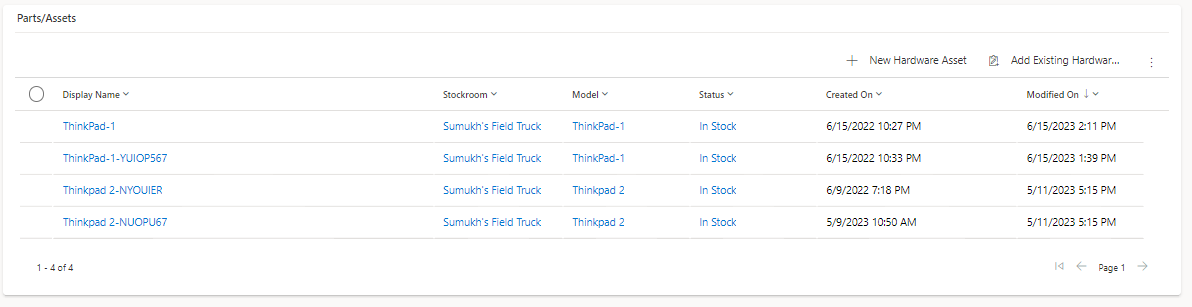
Parts/Assets
All the parts/assets present in the particular stockroom are presented in this section. An admin can view/edit the parts/assets and update the stockroom.