General Tab
All the information related to the Work Order is present in this tab. An Admin can view/edit the fields and update the Work Order.
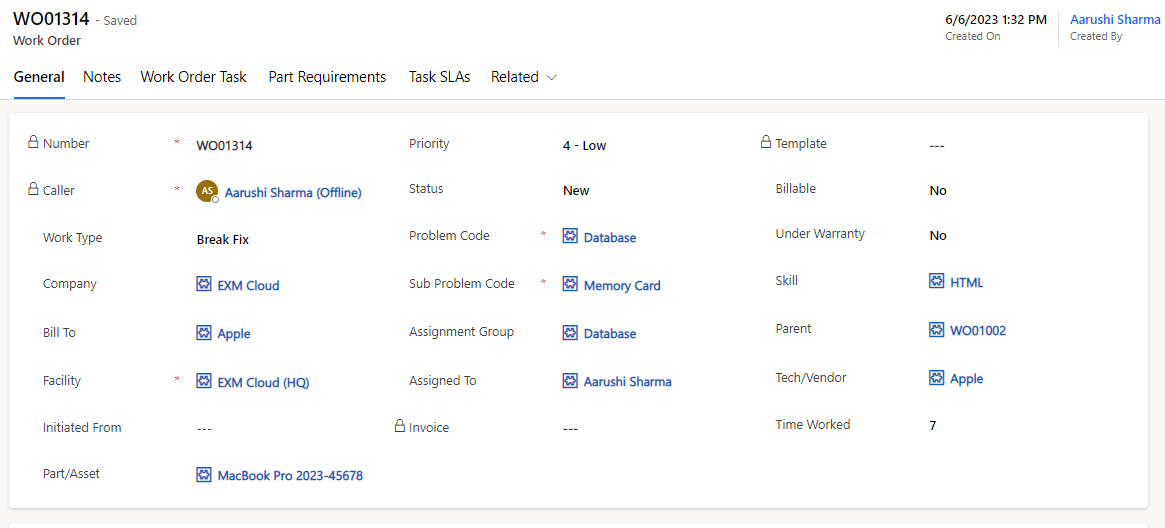
Field | Description |
|---|---|
Assigned To | User who works on the work order**.** |
Assignment Group | Group who will work on the work order. |
Billable | Is the work order billable or not. |
Bill To | Company that will be billed for work order. |
Caller | User who contacted you with an issue. |
Company | Company for which the work order was opened. |
Created By | User who created the work order. |
Created On | Captures the date and time of work order registration. |
Description | Technical description of the work to be performed containing as much detail about the problem as possible to avoid additional communication with the customer in later stages of the work order life cycle. |
Facility | Location of the person creating the work order. |
Initiated From | Records if this work order is initiated from a requested Item. |
Informed Users | Users who receive update notifications about this work order. |
Invoice | Auto populates with the Invoice number when the invoice is created. |
Number | Unique auto-generated work order number. |
On Hold Reason | A reason needs to be filled once the work order status is on-hold. |
Parent | Work order this record is assigned to. |
Part/Asset | Parts required to execute the work order. |
Priority | Priority of the work order. Out of box choices are- 1 - Critical 2 - High 3 - Moderate 4 - Low 5 - Planning |
Problem Code | Type of issue. |
Resolution Notes | Required notes for resolution when the work order is completed. |
Skill | Agent abilities necessary to execute the work order. |
Status | Status of the work order. Out of box choices are:
|
Sub Problem Code | On Selecting Problem Code, select the Sub Problem Code, if applicable. |
Tech/Vendor | Technician/Vendor working on the work order. The lookup list shown only those companies designated as Vendor in their Type column. |
Template | Template for creating this work order. |
Time Worked | Time worked by the technician to complete this work order. |
Under Warranty | Is the work order under warranty or not. |
Work Type | Type of work to be performed to complete the bundle. The following choices are available:
|
Scheduling
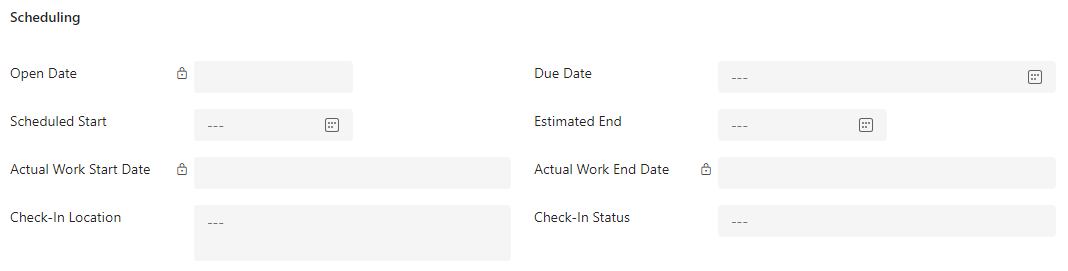
Field | Description |
|---|---|
Actual Work Start Date | Time when work began. Its auto populated when the work order status is In Progress. |
Actual Work End Date | Time when work on the work order was completed. Its auto populated when the work order status is Completed status. |
Open Date | Time when the work order was opened. Its auto populated when the work order is created. |
Due Date | Due date of the work order. |
Scheduled Start | Date and time when the work on the work order is expected to begin. |
Estimated End | Date when the work on the work order ends. |
Check-In Location | The place where a worker reports their presence to start work on a task outlined in a work order. |
Check-In Status | Confirmation that a worker has successfully checked in at the designated location to commence their assigned task. |
Notes Tab
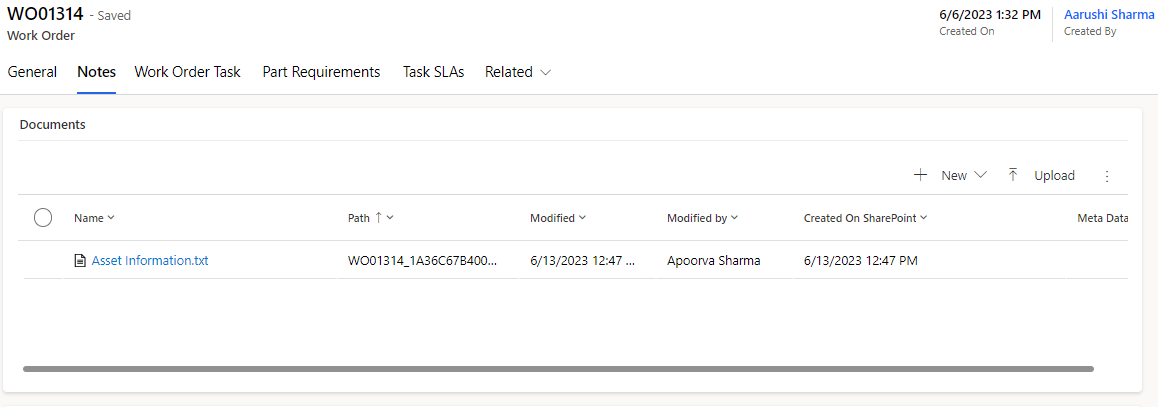
Documents
All the attachments related to the Work Order can be added/viewed in the Document section.
Timeline
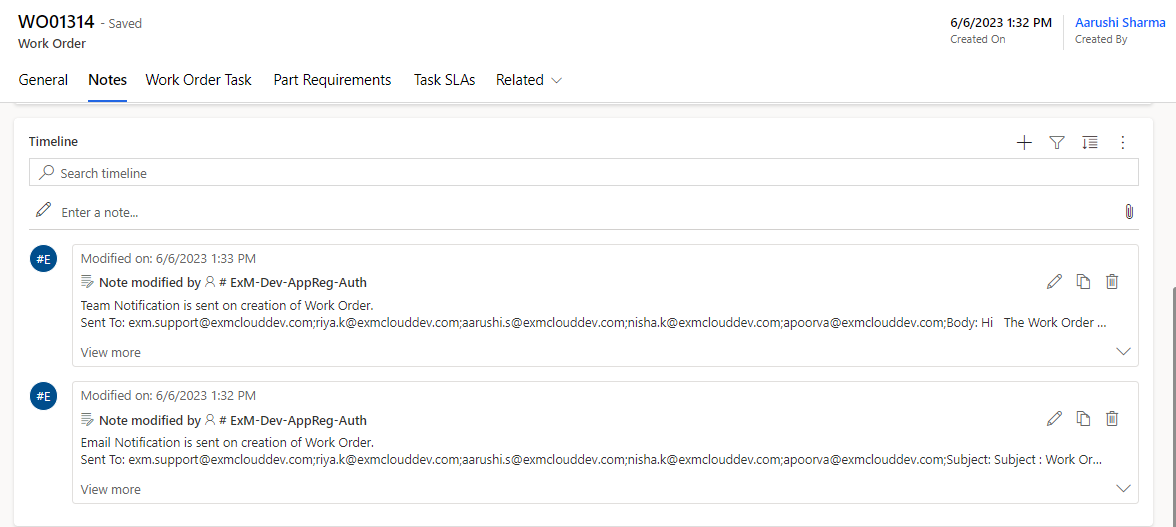
The Timeline maintains a historical record referencing when a Work Order is updated, or if any notes are added. Also, one can add attachments to the notes.
Work Order Task Tab
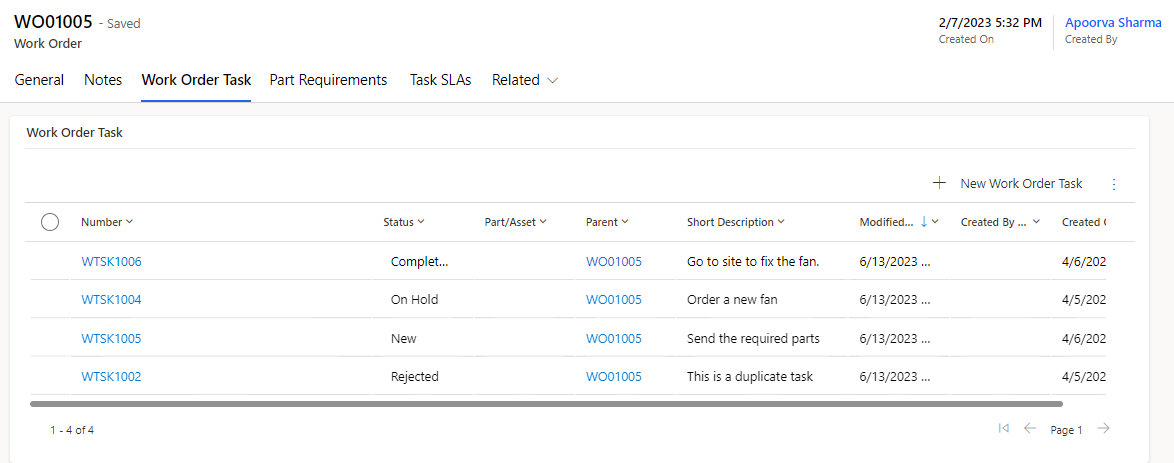
A Work order task is used when a particular work order requires other assignment groups to get involved in order to complete one work order. Work order tasks are children of work orders. If you want different teams to perform tasks as part of the work order, you can create a work order task under the work order and assign it to that team.
General
Field | Description |
|---|---|
Number | Unique auto-generated work order task number. |
Parent | Work order this task is assigned to. |
Status | Status of the work order task. Out of box choices are: · New · In-Progress · Assigned · Completed · Rejected · Canceled · On-Hold |
On Hold Reason | A reason needs to be filled once the work order task status is on-hold. |
Skill | Agent abilities necessary to execute the work order task. |
Part/Asset | Parts required to execute the work order task. |
Assignment Group | Group who will work on the work order task. |
Assigned To | User who works on the work order task**.** |
Dependent On | Work order task on which this task is dependent on. |
Time Worked | Time worked by the technician to complete this work order. |
Short Description | Brief description of the work order task. |
Description | Technical description of the work to be performed containing as much detail about the problem as possible to avoid additional communication with the customer in later stages of the work order life cycle. |
Created On | Captures the date and time of work order task registration. |
Created By | User who created the work order task. |
Scheduling
Field | Description |
|---|---|
Scheduled Start | Date and time when the work on the bundle is expected to begin. |
Scheduled Travel Start | Date and time when the agent expects to travel to the location of the first task in the bundle. |
Is Fixed Window | Option to indicate that the service window is fixed. |
Est. Work Duration | Estimated amount of work time. |
Status Mapping
When one or more work order tasks are In Progress, work order status will automatically be In Progress.
When one or more work order tasks are On Hold, work order status will automatically be On Hold.
When a work order task has a dependency on other work order task, all the fields become read only (except notes, assignment group and assigned to) and cannot be updated until the dependent work order task is completed.
Part Requirement Tab
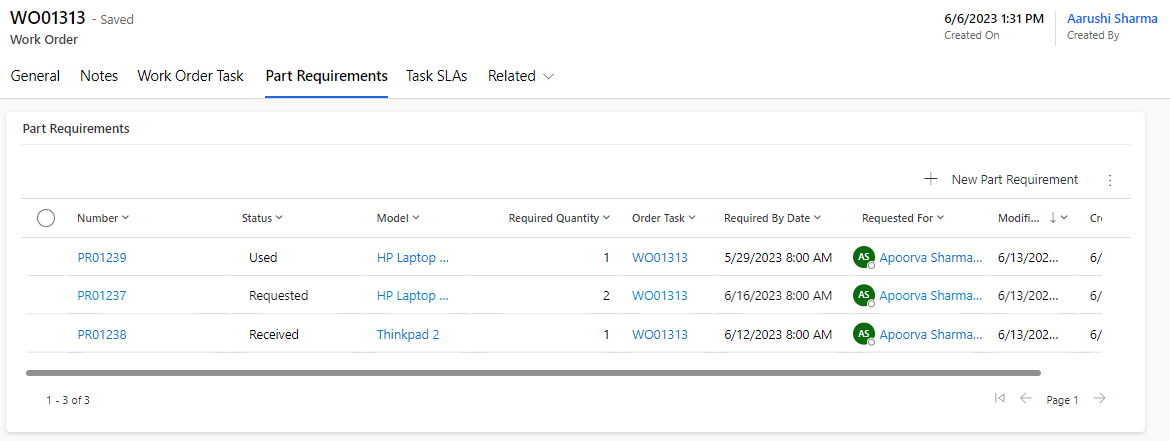
All the parts that are needed to accomplish the work order and are either used or requested will be stored here. Any replacement parts or specialized machinery that must be utilized to complete the work order will be kept in this section.
Check-In/Check-Out
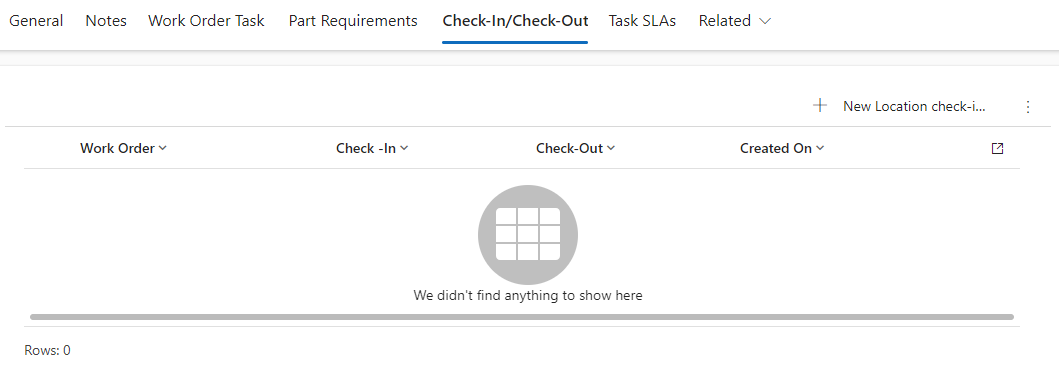
Check-In/Check-Out refers to the process of recording when a worker or employee arrives at and departs from a designated location or workplace, typically through a physical or digital system, to track attendance, work hours, and task completion.
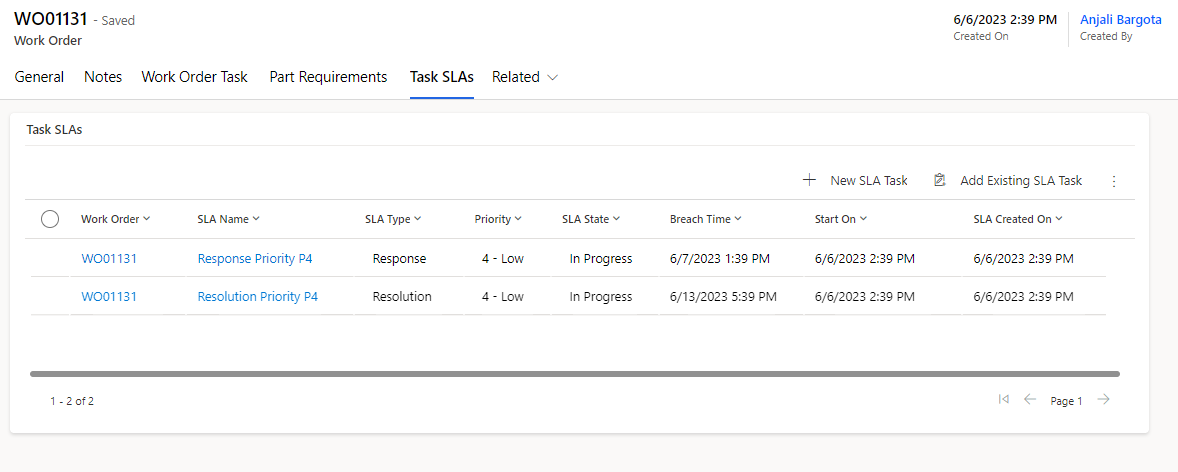
Task SLA Tab
A service-level agreement (SLA) is a commitment between a service provider and a client. Fundamental aspects of the service are quality, availability and responsibilities that are agreed upon between the service provider and the service user. You can create one or more Service Level Agreement (SLA) definitions and use them to create an SLA record. The SLA record provides a method to establish an SLA that are meaningful for your organization's requirements.
SLAs are automatically attached on the basis of Priority.