Notifications
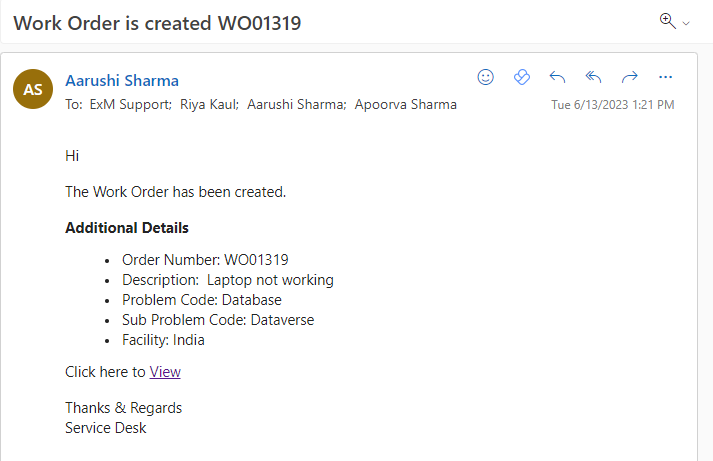
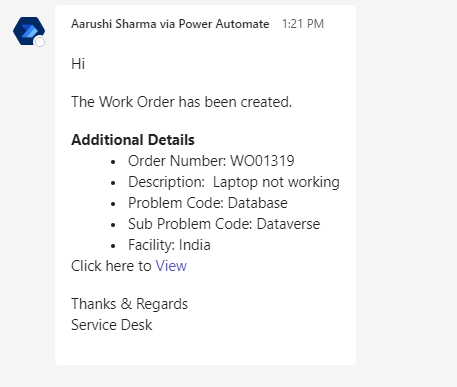
Work Order Creation
Once the work order is created, a notification with the details and a link to it will be sent to the dispatch group.
Email Notification
Teams Notification
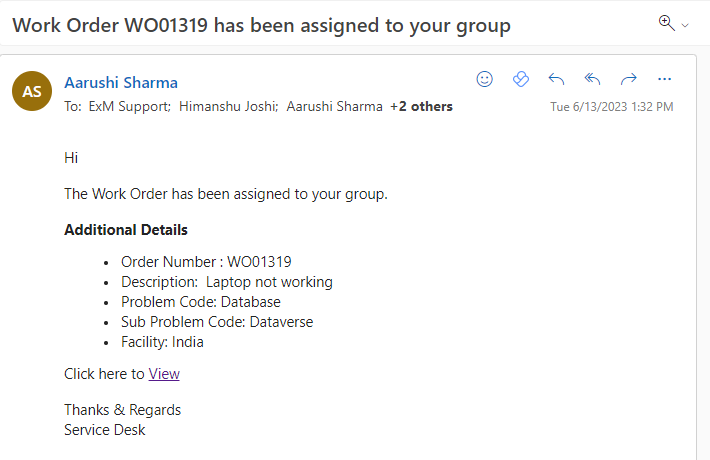
Work Order Status: Assigned
When a work order status is updated to “Assigned” a notification is sent to the Assignment Group on Outlook and Teams.
Email Notification
Teams Notification
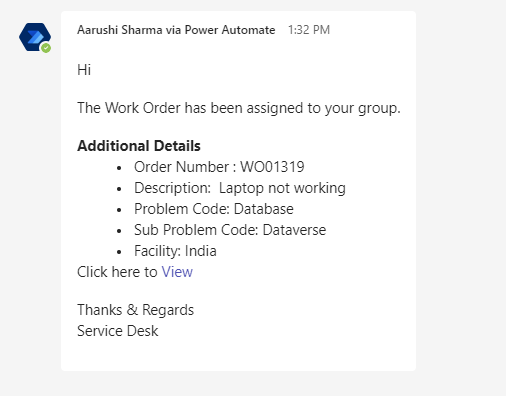
Work Order Status- Rejected
When a work order status is changed to “Rejected” a notification is sent to the Caller, Informed Users, Assignment Group and Dispatch Group on Outlook and Teams.
Email Notification
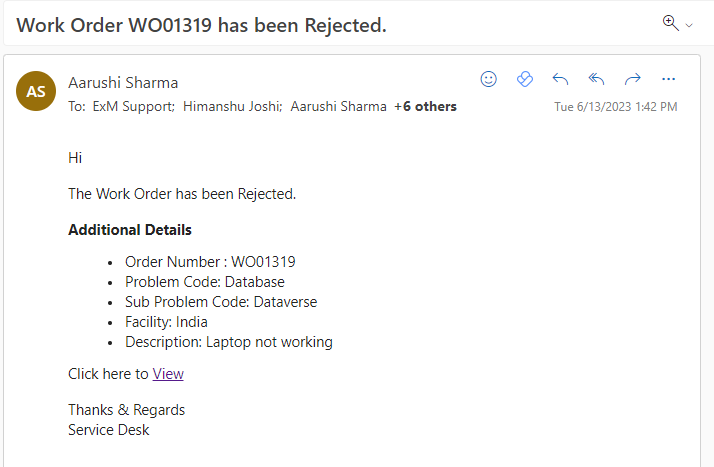
Teams Notification
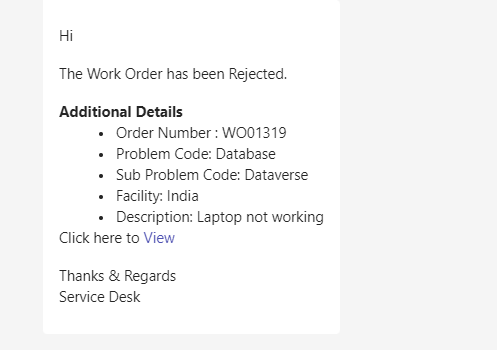
Work Order Status- In Progress
When a work order status is changed to “In Progress” a notification is sent to the Assignment Group and Dispatch Group on Outlook and Teams.
Email Notification
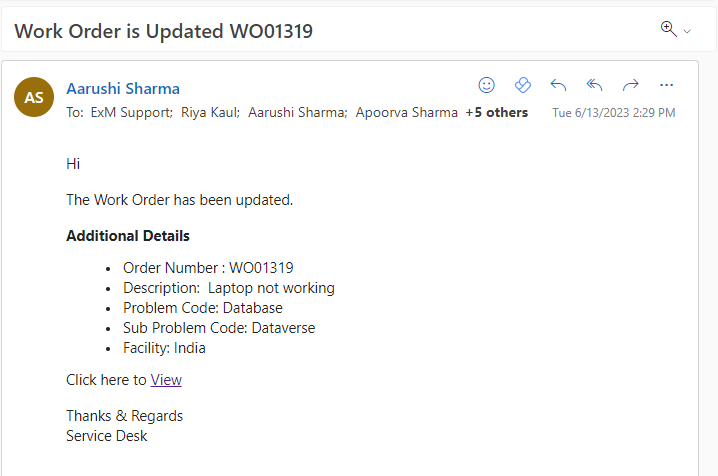
Teams Notification
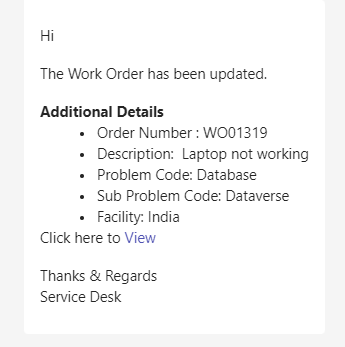
Work Order Status- On Hold
When a work order status is changed to “On Hold” a notification is sent to the Caller, Informed Users, Assignment Group and Dispatch Group on Outlook and Teams.
Email Notification
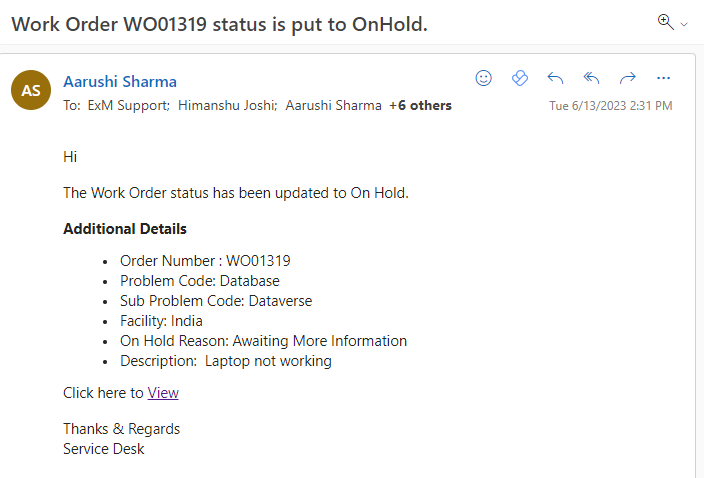
Teams Notification
Work Order Status- Canceled
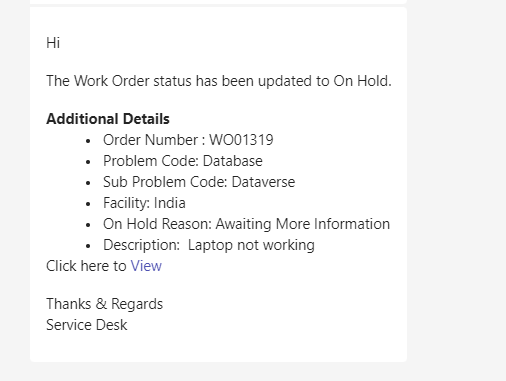
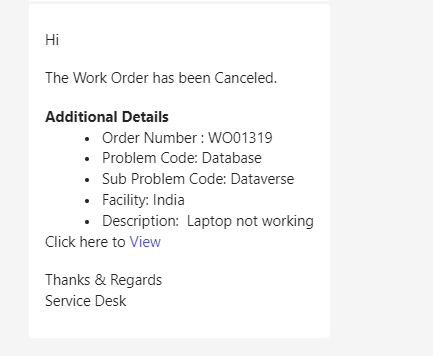
When a work order status is changed to “Canceled” a notification is sent to the Caller, Informed Users, Assignment Group and Dispatch Group on Outlook and Teams.
Email Notification
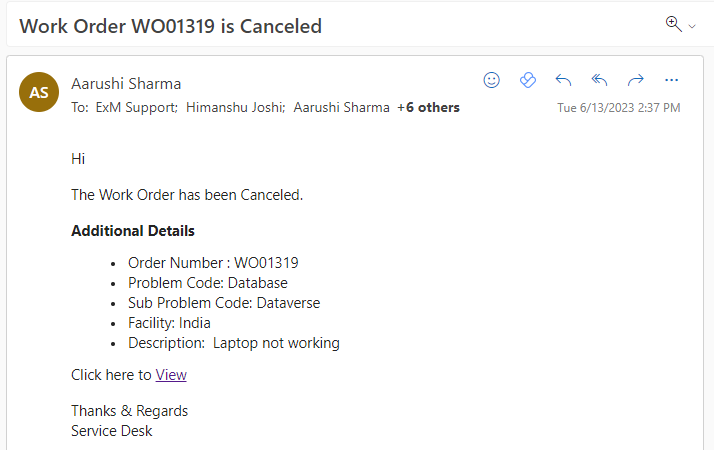
Teams Notification
Work Order Status- Completed
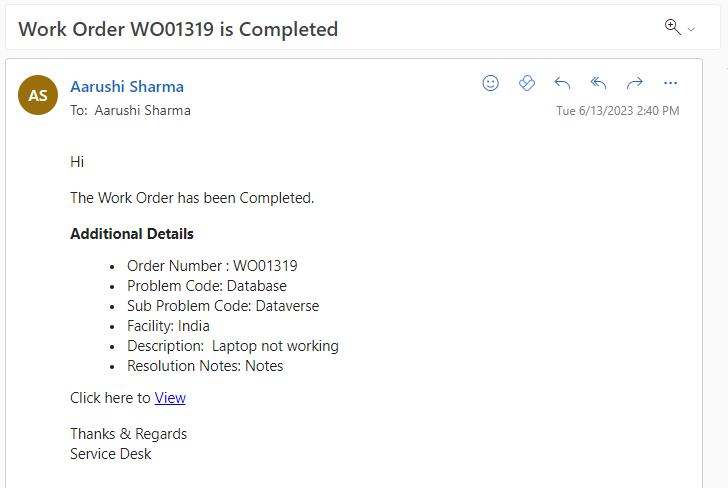
When a work order status is changed to “Completed” a notification is sent to the Caller, Informed Users, Assignment Group and Dispatch Group on Outlook and Teams and a feedback form is sent to the Caller over teams.
Email Notification
Teams Notification

Work Order Task Notifications
Work Order Task Assigned
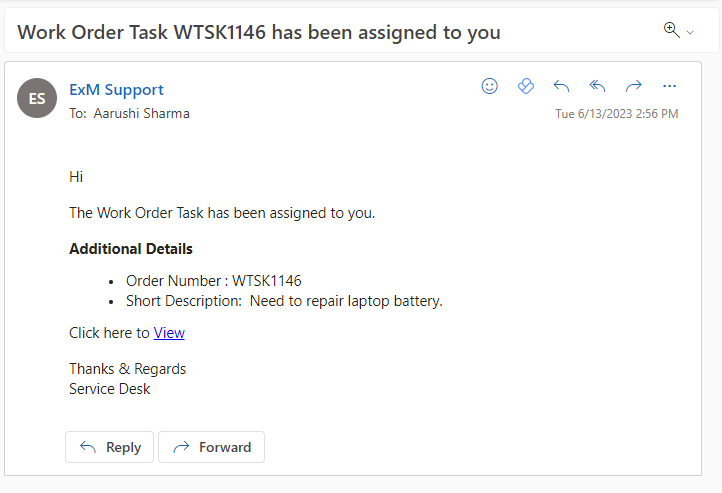
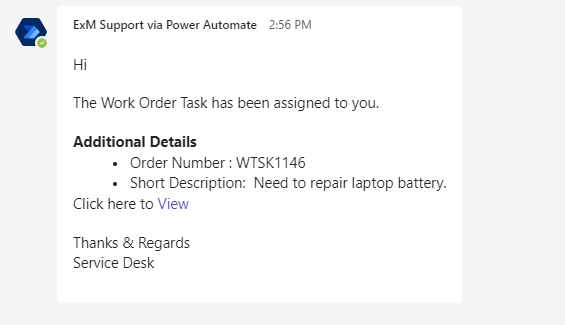
When a work order task is assigned to assignment group or assigned to an email is sent to the assigned group on Outlook and Teams.
Email Notification
Team Notification
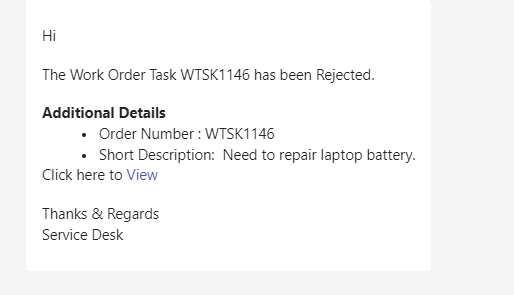
Work Order Task Canceled/Rejected
When a Work Order Task is Rejected/Canceled, the Assignment Group/Assigned To of the Parent Work Order is notified.
Email Notification

Team Notification