The role of field service management is to manage the lifecycle of work orders, from their creation to their closure.
There are many phases to Field Service Management, and each is vital to its success and the quality of services it provides. The following diagram illustrates the different status:
State model for Field Service Management
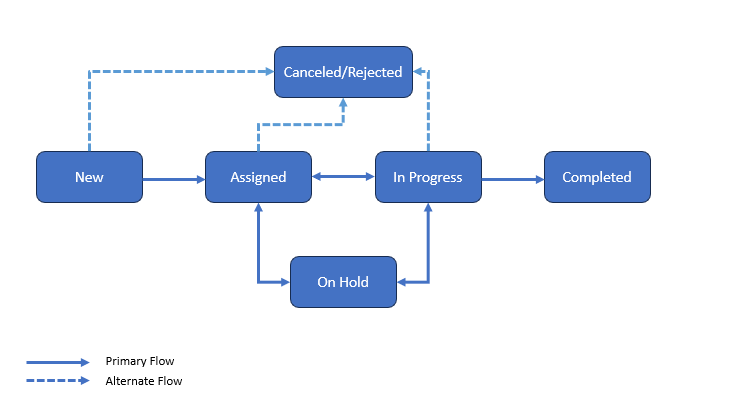
Work Order Status
Status | Description |
|---|---|
New | This status is the default setting for new work orders. In most cases, no one has been assigned to them specifically to execute the task. Typically, no action has yet been taken at this work order. |
Assigned | The work order has been evaluated and assigned to a technician for corrective repair at this point. Note: At this status, the Assignment Group filed is mandatory. |
In Progress | The assignment group is working to complete the work order as it is currently in process. |
On Hold | Work is paused, possibly while resources are being coordinated. Note: At this status, the On Hold Reason is mandatory. |
Rejected | Work orders that won't be completed. A member of the assignment group or an administrator could reject them. Note: At this status, reason for rejection is mandatory and is added to the timeline. |
Completed | All actual, physical work has been performed. Invoicing can be initiated at this status. Note: At this status, the Resolution Notes field is mandatory. |
Canceled | After being prioritized, it was found that this work order was either a duplicate, unnecessary, or not even a work order at all. Note: At this status, reason for cancellation is mandatory and is added to the timeline. Also, feedback link is sent to the Caller of work order. |
Work Order Feedback
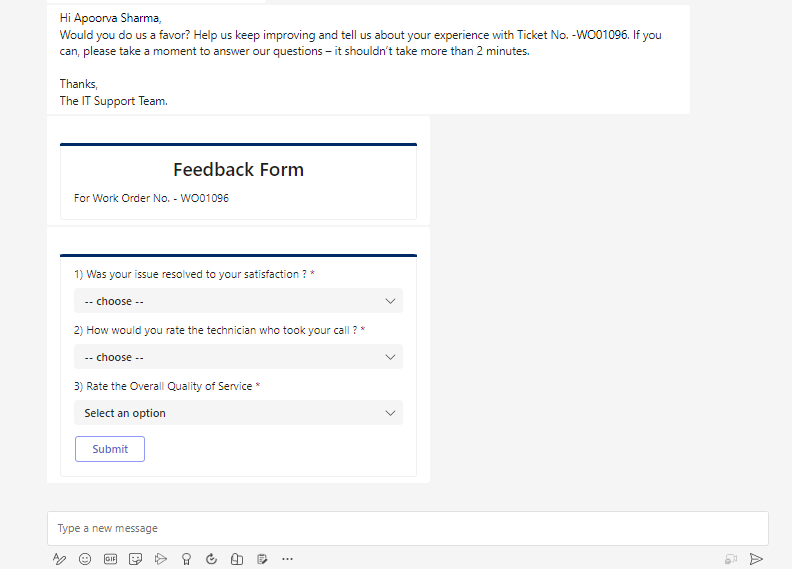
The FSM platform facilitates gathering customer feedback or rating of support and service. For example: sending customer satisfaction surveys or feedback request emails after the completion of a work order.
Once the work order status is Completed, a feedback link is sent to the user by Email/Teams notification.
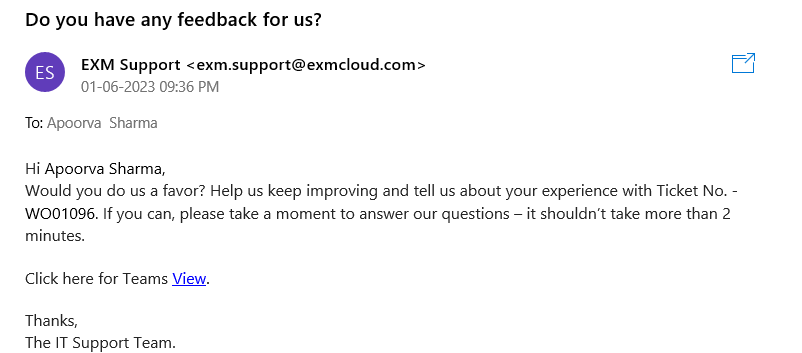
The feedback form can be filled from MS Teams.